In this post, you will learn how to merge and unmerge cells in Excel.
Select cells and then click on Home tab in the menu followed by Merge and Center in the Alignment section of the ribbon. Click on Unmerge to unmerge the cells.
Following are detailed step-by-step instructions:
Step 1: Select cells you want to merge
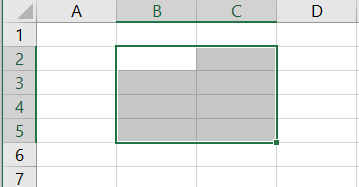
Step 2: Choose merge and center. Go to Home menu. Then click on Merge & Center as shown below. To unmerge, simply choose Unmerge cells.

Merge & Center
Merge & Center will remove values of all cells and only keep the value of the active cell. It will center the text. Following image demonstrates this. The values AA, BB, CC, DD, EE, and FF were replaced with AA.

Merge Across
Merge Across will only keep the values of the left most column. See image below
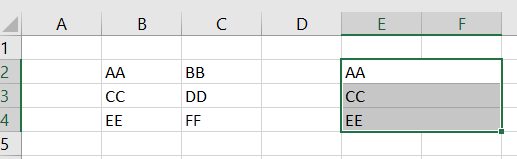
Merge Cells
Merge Cells will only keep the active cell. See the image below.
